Snap the receipt. We type the rest.
Magic AI Scan reads the store, date, items and total from a photo, picks a category, and adds the expense. Keep the receipt in your gallery.
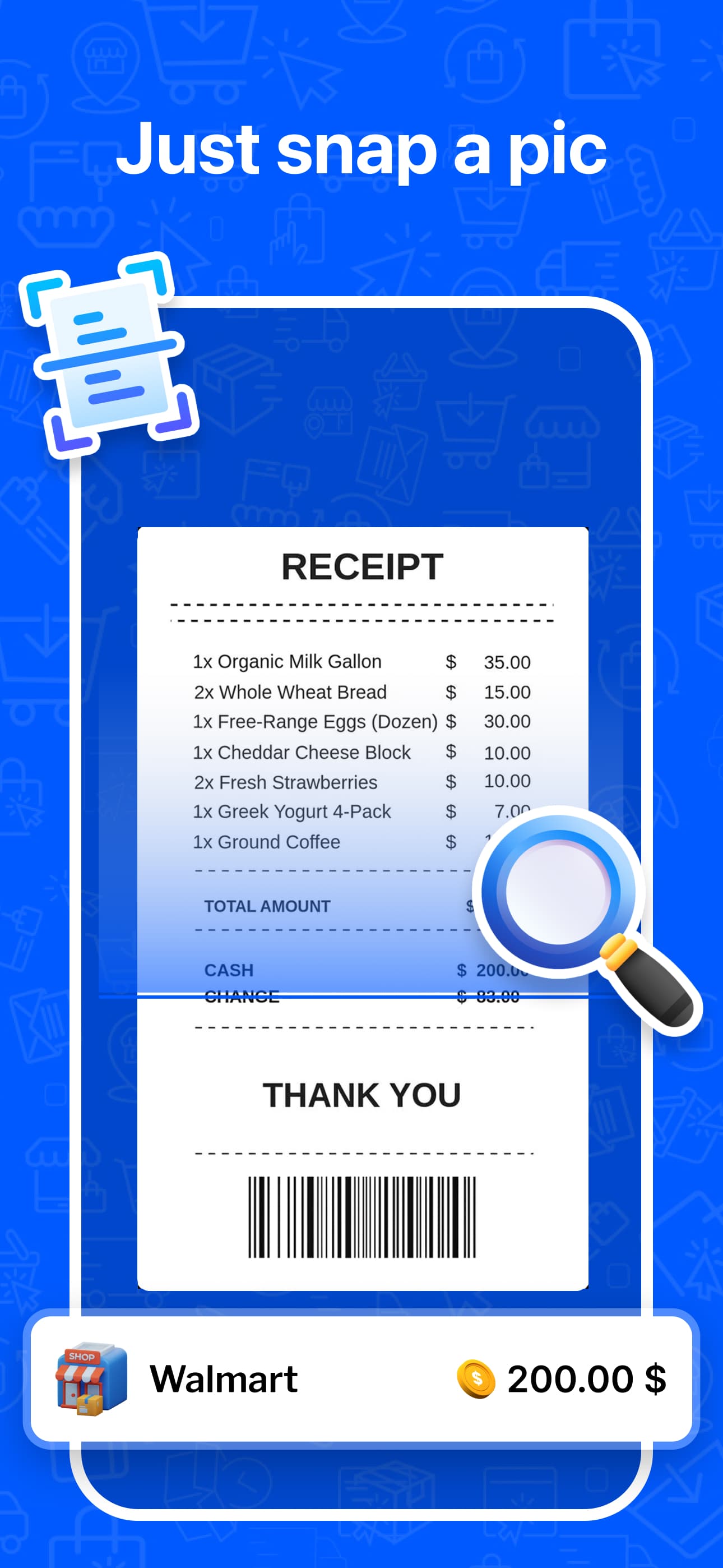
The receipt scanner turns a photo of a paper receipt into a transaction. Point the camera at the receipt or pick one from your photos. Money Manager extracts the merchant, date, each line item, and the total, pre-selects a category, and lets you save the whole receipt or only the items you choose.
Items, not just totals
Every line is read. Keep the groceries in Food and move the shampoo to Personal care.
Category pre-selected
Walmart goes to Shopping, CVS goes to Health. Change it if you disagree and the app learns.
A gallery of receipts
Scanned receipts stay attached to their transaction, so a return or a warranty claim is a tap away.
From photo to itemized expense.
The store, the date, every line and the total. Each item gets a category you can change before saving.
Walmart
Oct 14, 2026
- Great Value milk 1 gal
 $3.42
$3.42 - Bananas 2.1 lb
 $1.26
$1.26 - Tide Pods 42 ct
 $12.97
 - Advil 24 ct
 $6.48
$6.48
How receipt scanner works in practice.
Built for crumpled, faded, and long
The scan is tuned for real receipts: thermal paper that has faded in a wallet, a long grocery receipt that needs two photos, and a photo taken at an angle under kitchen light. Fix anything it misread before saving.
Pick what counts
A single trip often mixes categories. The summary screen lists each item with its price. Tick the ones you want as separate expenses, or save the receipt as one transaction with the full total.
- Camera or photo library
- Edit any item, price or the date
- Receipt image stays with the transaction
Fair use
Magic AI Scan is a Premium feature with a monthly scan allowance that resets each month. Manual entry, statement import and bank sync are not affected by the allowance.
Getting started
Choose Scan Receipt
From the plus menu on the dashboard.
Take the photo
Fill the frame with the receipt. Use the gallery if you already photographed it.
Review the summary
Check the store, date, items and total. Tap any value to correct it.
Save
Save as one expense or as separate items. The receipt image is kept with the transaction.
Questions about receipt scanner
More in the full FAQ.
Try it free, upgrade when it earns it.
The free plan covers tracking, budgets and reports. Premium adds this and the rest of the automation.